2D
Adding your design
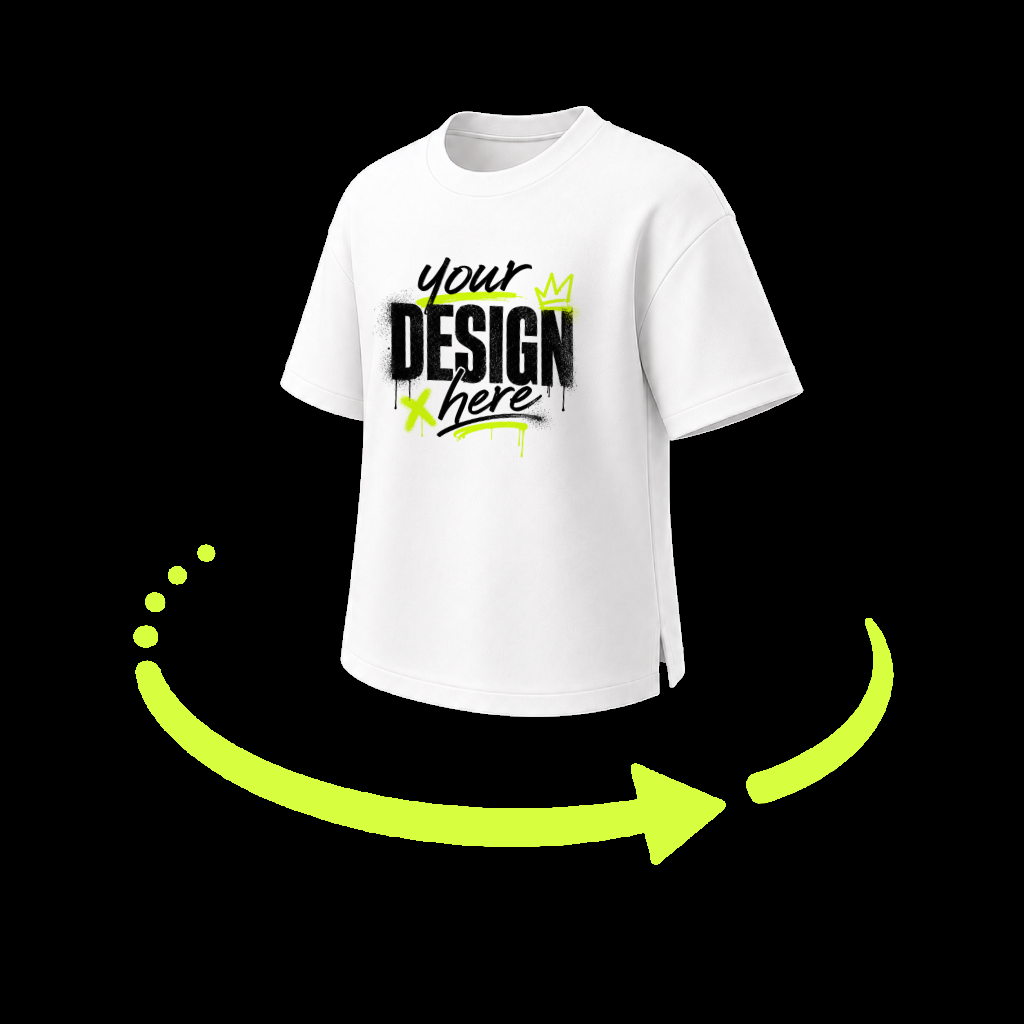
Open a garment, choose your artwork from Photos, then drag, pinch, rotate, and blend it with the fabric.
 SwagLab
Answers for 2D and 3D mockups, exports, subscriptions, and everything SwagLab.
Start with the most common questions.
Open a garment, choose your artwork from Photos, then drag, pinch, rotate, and blend it with the fabric.
Use Design, Color, Position, Shadow, and Animation to build the result. Orbit the garment with one finger.
Allow Photos access when prompted. Your finished mockup is saved to Photos; 3D exports can include transparency.
SwagLab Pro removes the watermark from exports. After purchasing, return to your editor and export again.
Purchases are processed securely by Apple.
Open SwagLab Settings and tap Restore Purchases. Use the same Apple Account that completed the original purchase.
Subscriptions are managed by Apple. Open Settings on your device, tap your name, then tap Subscriptions.
Apple subscription help ↗Include your device model, iOS version, SwagLab version, and the steps that led to the issue. Do not post receipts or payment details.
Empieza con las preguntas más comunes.
Abre una prenda, elige tu diseño desde Fotos y después arrástralo, cambia su tamaño, gíralo y fusiónalo con la tela.
Usa Diseño, Color, Posición, Sombra y Animación para crear el resultado. Gira la prenda arrastrando con un dedo.
Permite el acceso a Fotos cuando se solicite. El mockup terminado se guarda en Fotos; las exportaciones 3D pueden conservar transparencia.
SwagLab Pro elimina la marca de agua. Después de comprar, vuelve al editor y exporta nuevamente.
Apple procesa las compras de forma segura.
Abre Ajustes en SwagLab y toca Restaurar compras. Usa la misma cuenta de Apple con la que realizaste la compra.
Apple administra las suscripciones. Abre Ajustes en tu dispositivo, toca tu nombre y después Suscripciones.
Ayuda de Apple sobre suscripciones ↗Incluye el modelo de tu dispositivo, la versión de iOS, la versión de SwagLab y los pasos que causaron el problema. No publiques recibos ni información de pago.
Comece pelas perguntas mais comuns.
Abra uma peça, escolha sua arte no app Fotos e depois arraste, redimensione, gire e combine o design com o tecido.
Use Design, Cor, Posição, Sombra e Animação para criar o resultado. Gire a peça arrastando com um dedo.
Permita o acesso ao app Fotos quando solicitado. O mockup final é salvo no Fotos; exportações 3D podem manter a transparência.
O SwagLab Pro remove a marca-d’água. Depois da compra, volte ao editor e exporte novamente.
As compras são processadas com segurança pela Apple.
Abra os Ajustes do SwagLab e toque em Restaurar compras. Use a mesma Conta Apple utilizada na compra original.
As assinaturas são gerenciadas pela Apple. Abra Ajustes no dispositivo, toque no seu nome e depois em Assinaturas.
Ajuda da Apple sobre assinaturas ↗Inclua o modelo do dispositivo, a versão do iOS, a versão do SwagLab e os passos que causaram o problema. Não publique recibos nem informações de pagamento.